Invoice the finished work
Create the invoice from your saved items, linked to the job and its approved estimate.
Invoice software for contractors
Send itemized invoices, record deposits and partial payments as they come in, and always know who still owes you money.
What you get
Free to use. Nothing to install.
How it works
Create the invoice from your saved items, linked to the job and its approved estimate.
Email a professional PDF with a private link your customer can view, download and print.
Log each payment as it arrives. The status and balance update on their own.
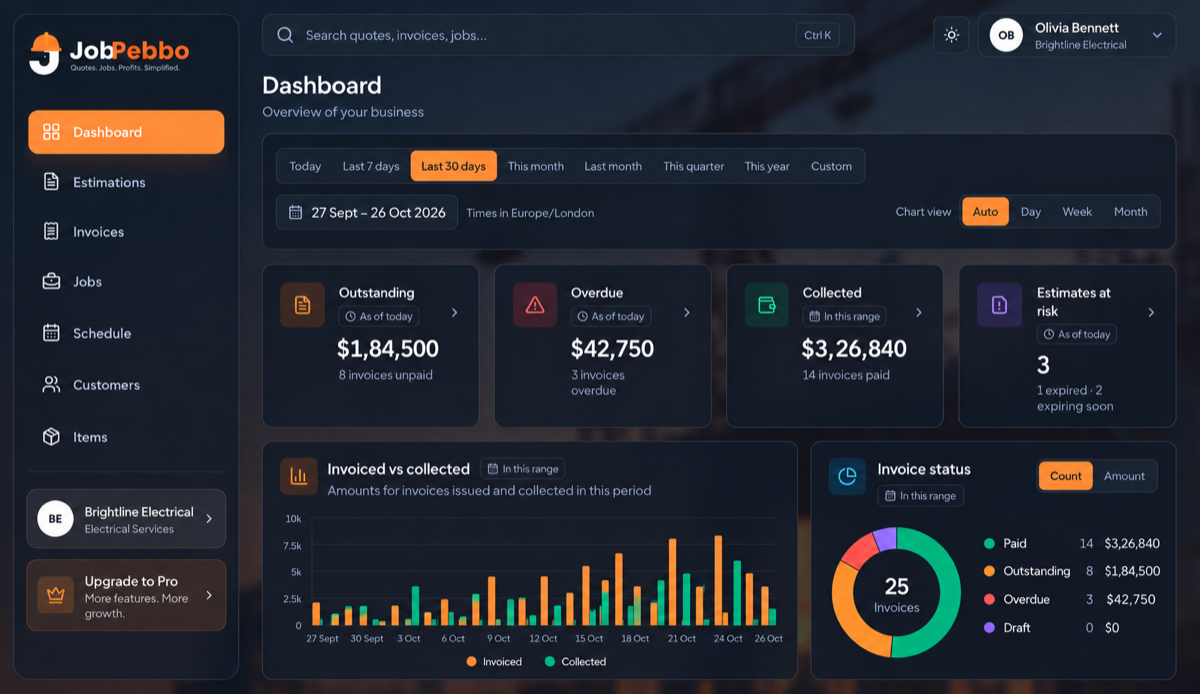
Outstanding and overdue totals sit at the top of the dashboard, so chasing payment starts with a list, not a guess.
Larger jobs can carry a deposit and a payment schedule, and every part payment is recorded against the invoice.
Apply taxes per line, then use the sales-tax report for any date range.
Good to know
Yes. JobPebbo is free to use in your browser.
Yes. Record any part payment and the invoice shows Partially Paid with the remaining balance.
Cash, check, credit card and bank transfer.
No. JobPebbo records payments you receive; it does not process online card payments.
Yes. The dashboard shows outstanding, overdue and collected totals, and each invoice shows its balance.
Free to use
From the first quote to the final payment, keep your jobs and paperwork together.