Paperwork and work, together
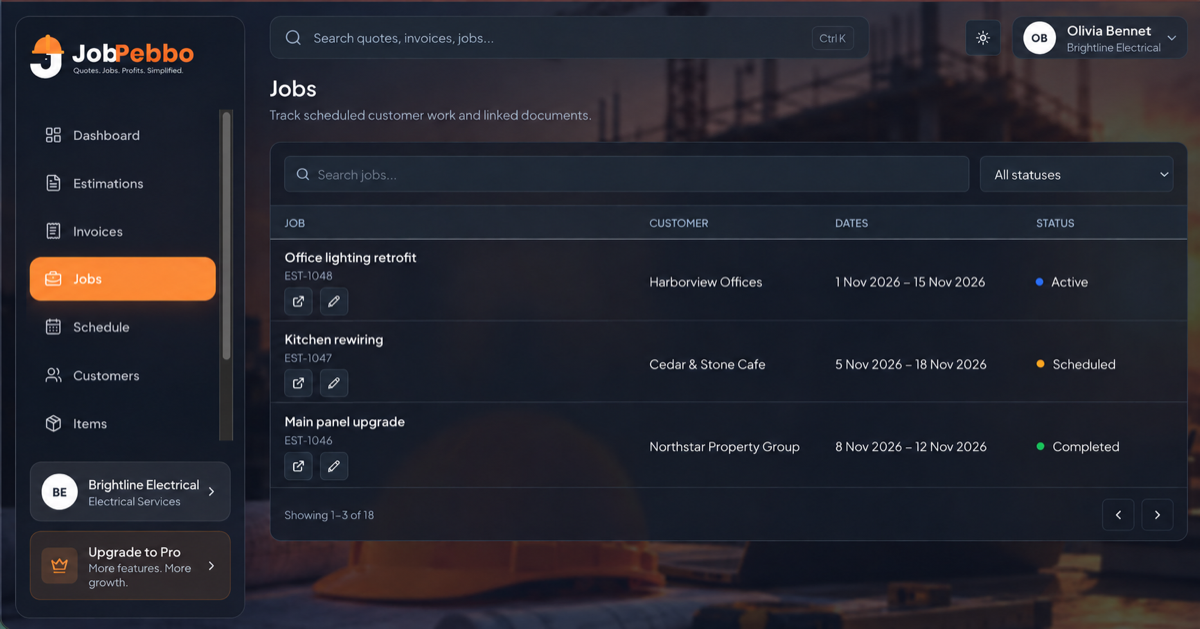
Move from an approved estimate into a job without losing the connection, then keep the invoice linked too.

Jobs & scheduling
Link the work to its customer, estimate and invoice, then plan exactly when you need to be there.
What you can do
Move from an approved estimate into a job without losing the connection, then keep the invoice linked too.
Use dates and customisable statuses to distinguish active, completed, cancelled and on-hold work.
Add the date, time and notes for a site visit, tied directly to the customer and job.
Good to know
Yes. Both documents can stay linked to the job.
Yes. Job statuses are customisable.
No. Customer notifications and reminders are not sent.
Free to use
From the first quote to the final payment, keep your jobs and paperwork together.